Google Fit is a health and activity tracking app available on Android smartphones and WearOS smartwatches. I’ve used it for over a year to record walks, runs, and other activities on a Pixel 3 phone. In June I started using Fit apps on a Fossil Sport watch (WearOS version 2.17).
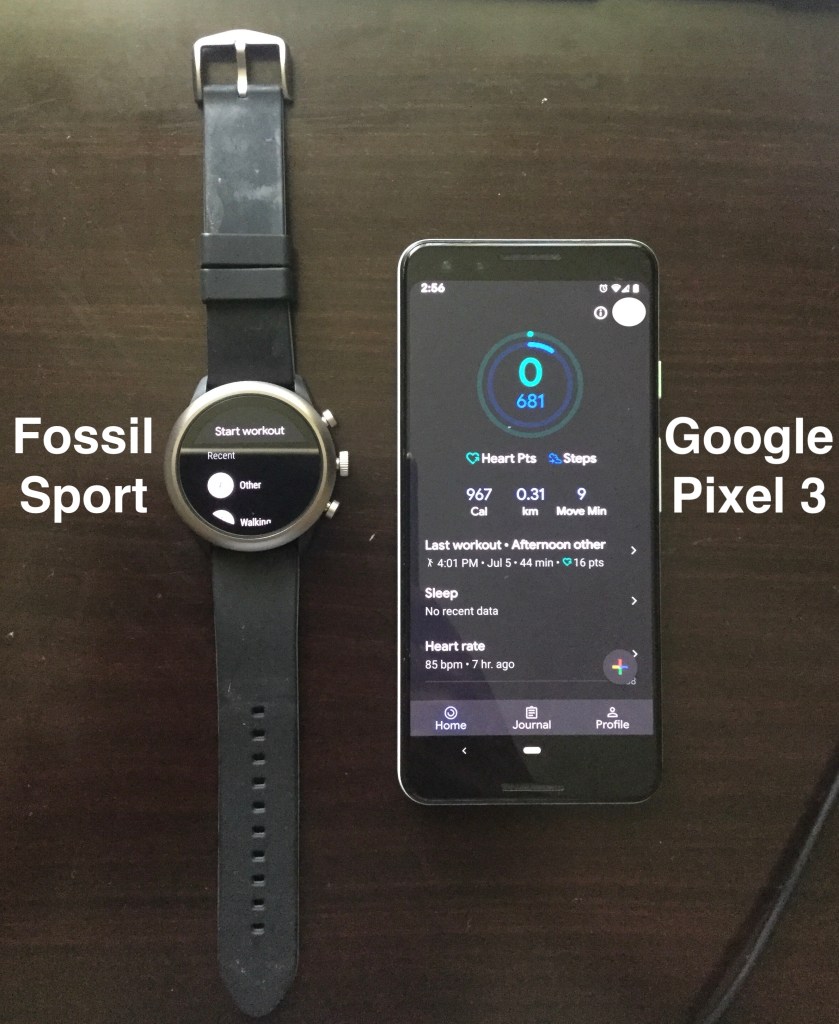
Fit apps on the watch
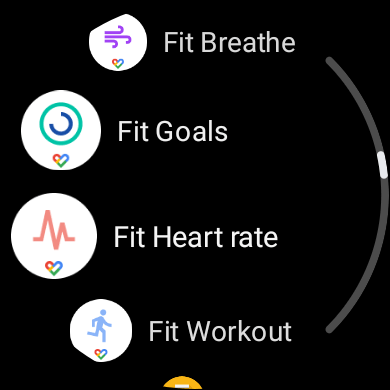
In total, four Fit apps are installed on the watch:
- Fit Breathe
- Fit Goals
- Fit Heart rate
- Fit Workout
Fit Breathe is a standalone app with functionality not available on the phone app. Fit Goals displays the same fitness rings visible on the phone. I don’t use these apps so I won’t describe them further.
Fit Heart Rate
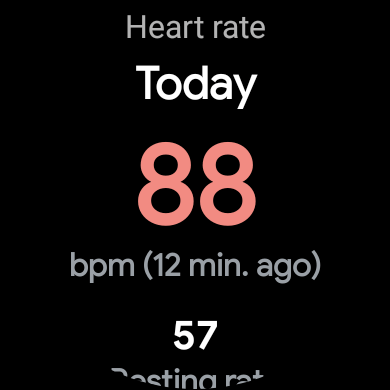
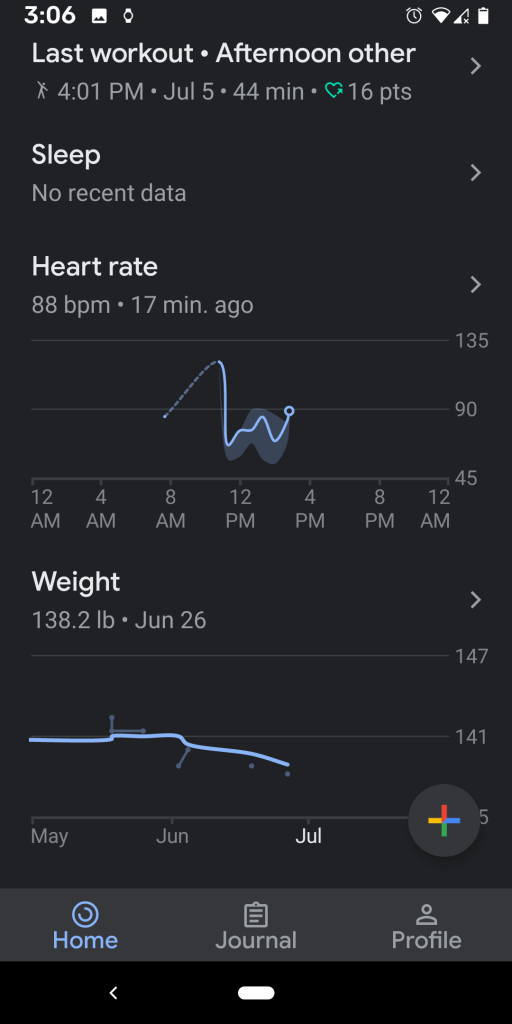
As you swipe down, the Fit Heart rate app displays your most recent heart rate measurement, a heart rate graph, and workouts recorded using Fit Workout. I observe how my heart rate varies during different activities like walking and running. At some point, I will record my heart rate during a meditation activity. Will my heart rate reduce? If not, am I meditating wrong?

Fit Workout
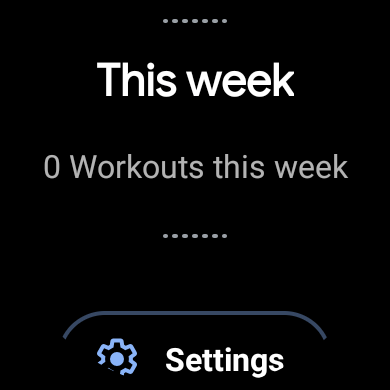
I typically use this app to record warmup exercises and walks. It supports multiple activities such as walking, running, dancing, etc. Swiping down all the way displays previously recorded workouts.
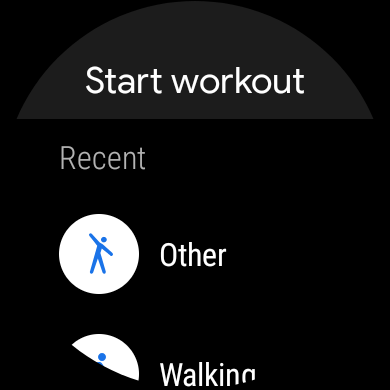
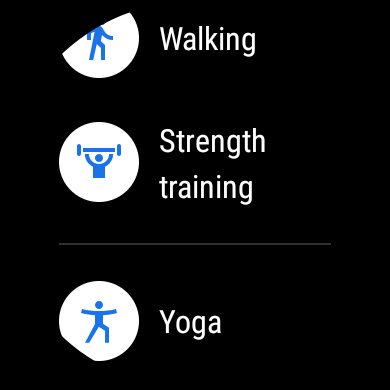
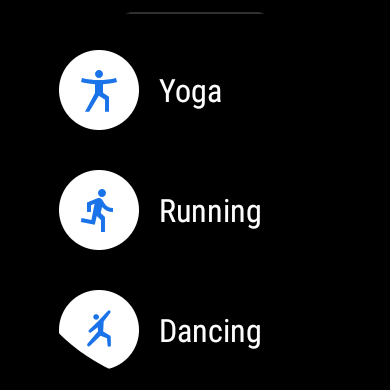

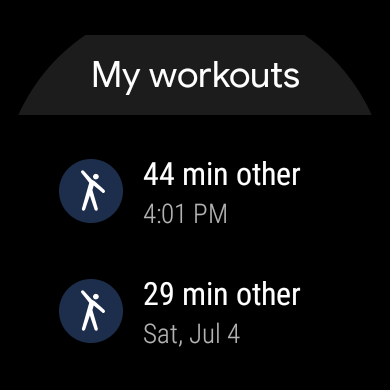
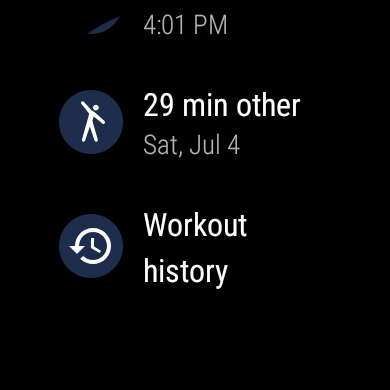
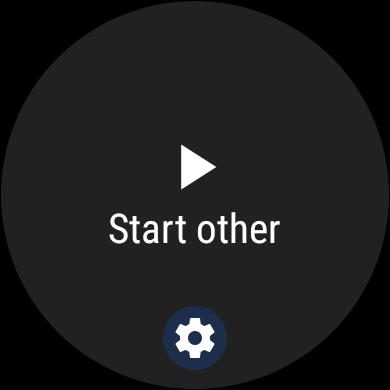
After selecting an activity, the screen prompts you to start recording. For location tracking the watch will vibrate once after it acquires a location using its built-in GPS (global positioning system).

Fit app on the phone
The phone app is a combination of the Fit Goals, Fit Heart rate, and Fit Workout apps on the watch.
Home tab
The fitness rings show progress in accumulating Heart Points and number of steps. Once a goal is met the circle will close to form a complete ring. At a glance, you can see your calories burned, distance moved, and minutes moved. I use this app to record my workouts, heart rate, and weight.
When you press the multicoloured plus (“+”) icon on the bottom right of the screen, you can record the following metrics: blood pressure, weight, activity, and workout.


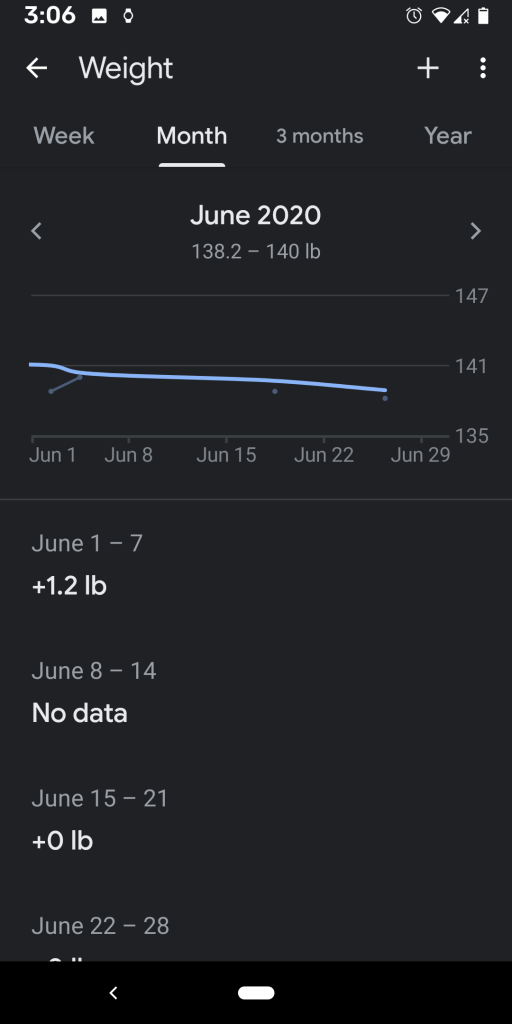
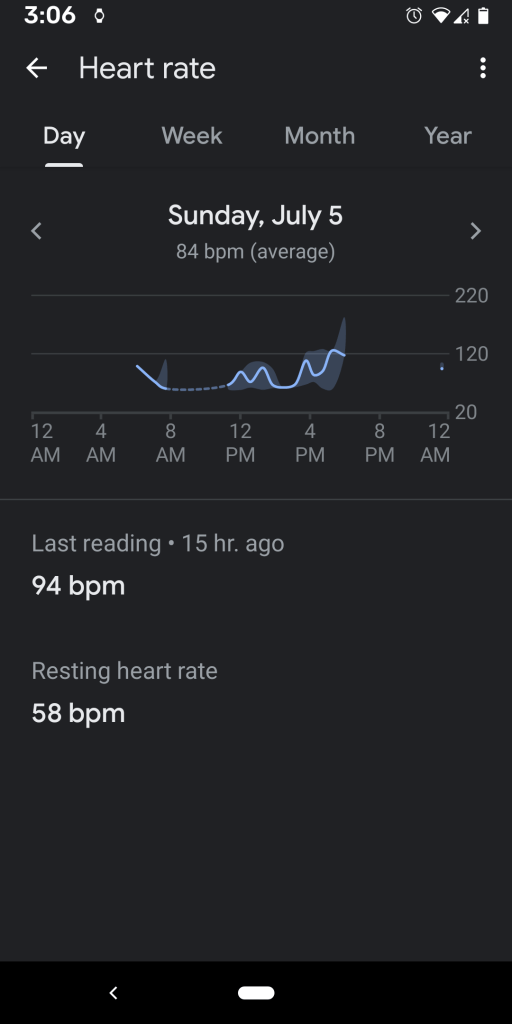
Weight breakdowns are visible graphically by week, month, quarter, and year. Similarly, heart rate breakdowns are visible by day, week, month, and year. Weekly heart rate breakdowns show variance in recorded rate per day. For example, on Tuesday, June 30, my heart rate varied from a low of 56 beats per minute to a high of 191 beats per minute.

Journal & Profile tabs
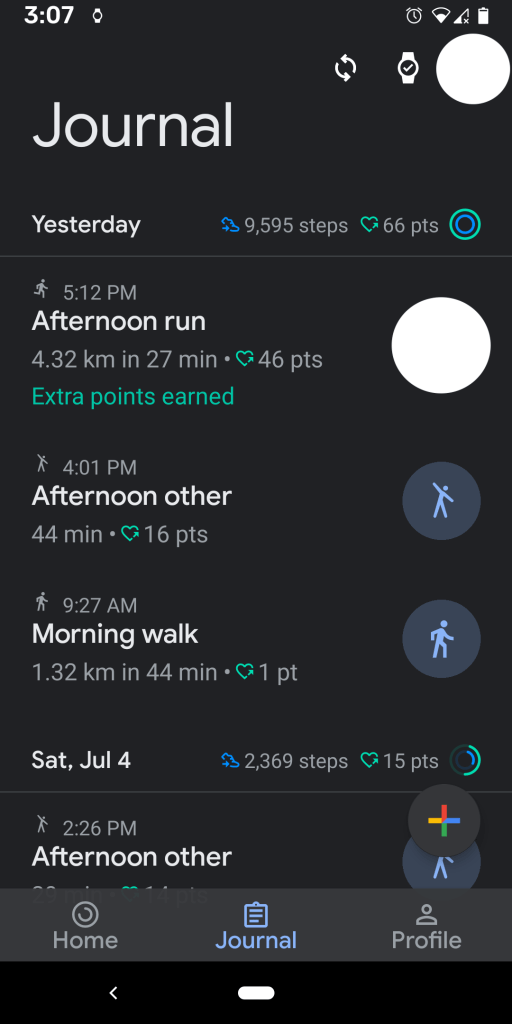
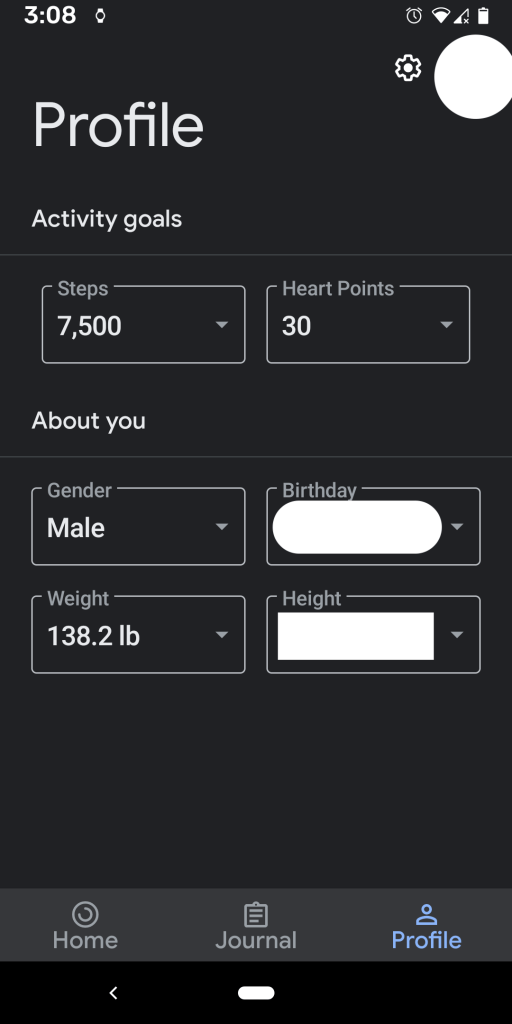
I use the Journal tab to see my recorded workouts and number of steps. In the Profile tab, I arbitrarily set my daily goals to 7500 steps and 30 heart points. The app regularly prompts me to adjust my goals. You can record other information such as gender, birthday, weight, and height. Some of these may be auto-filled from your Google account.
 Akshay Rao