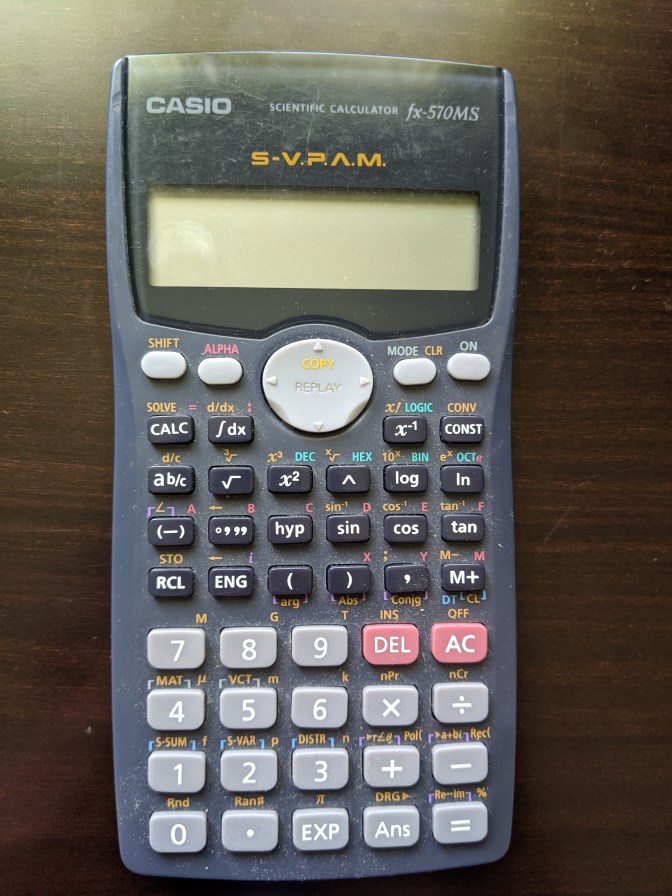
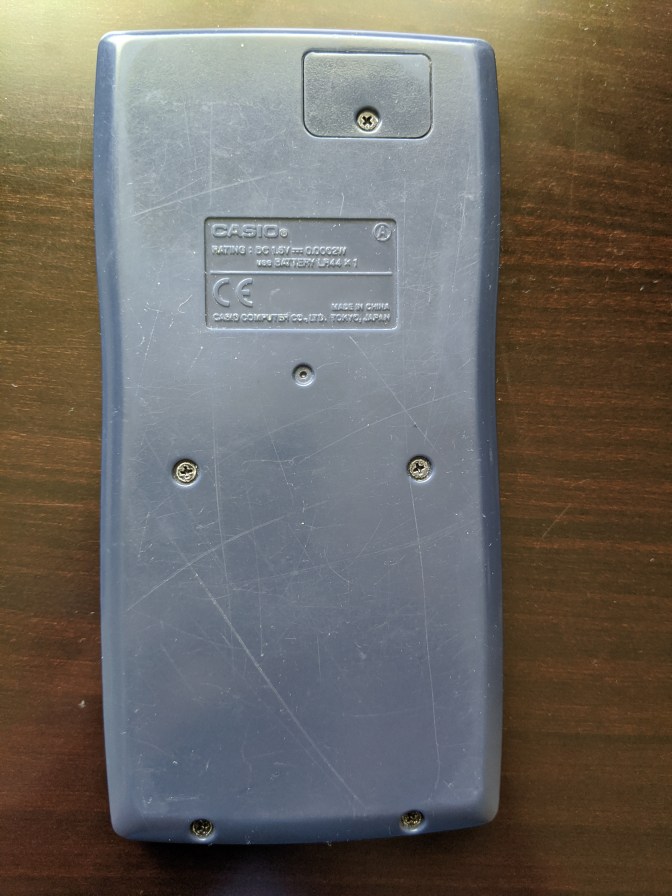
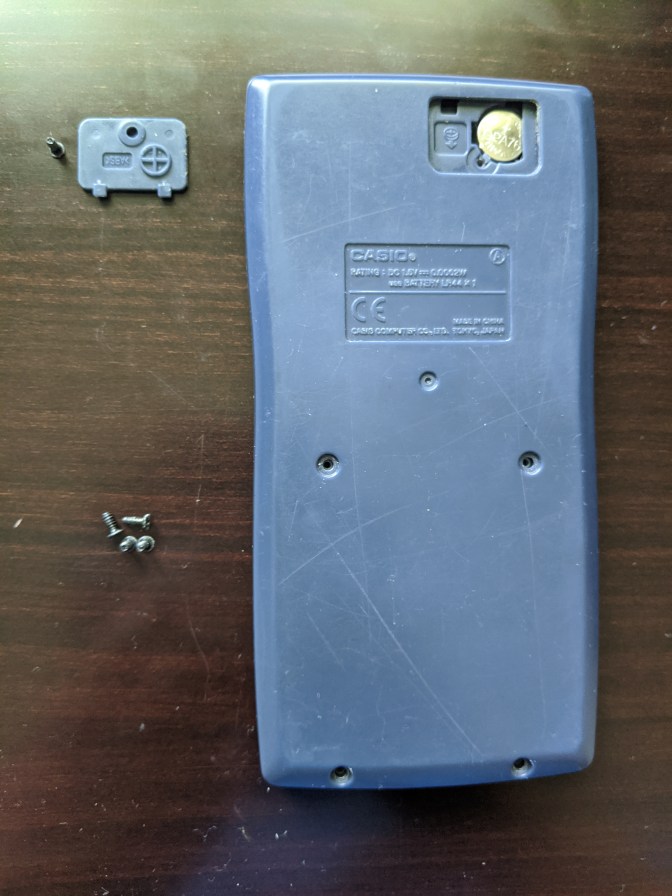
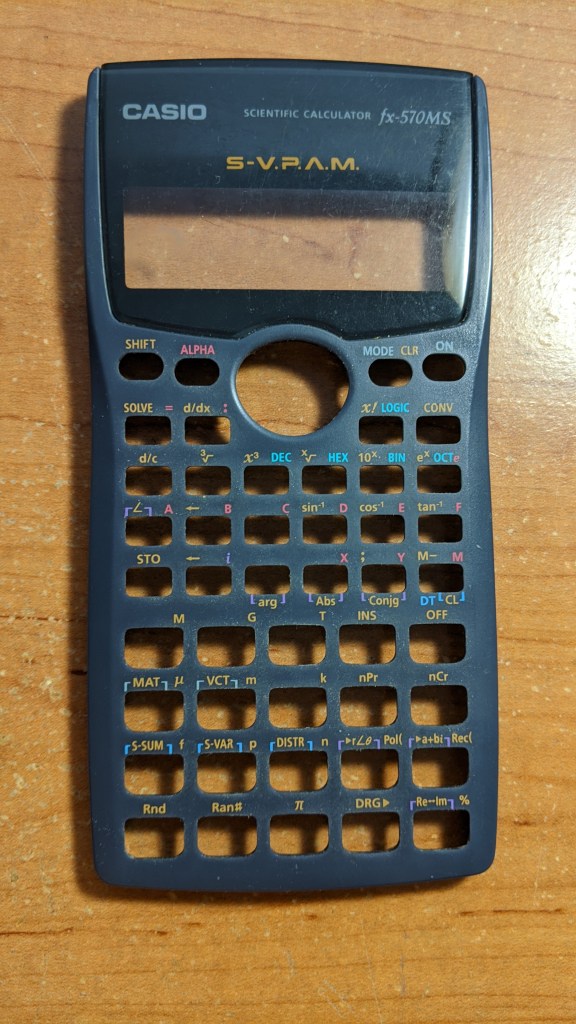
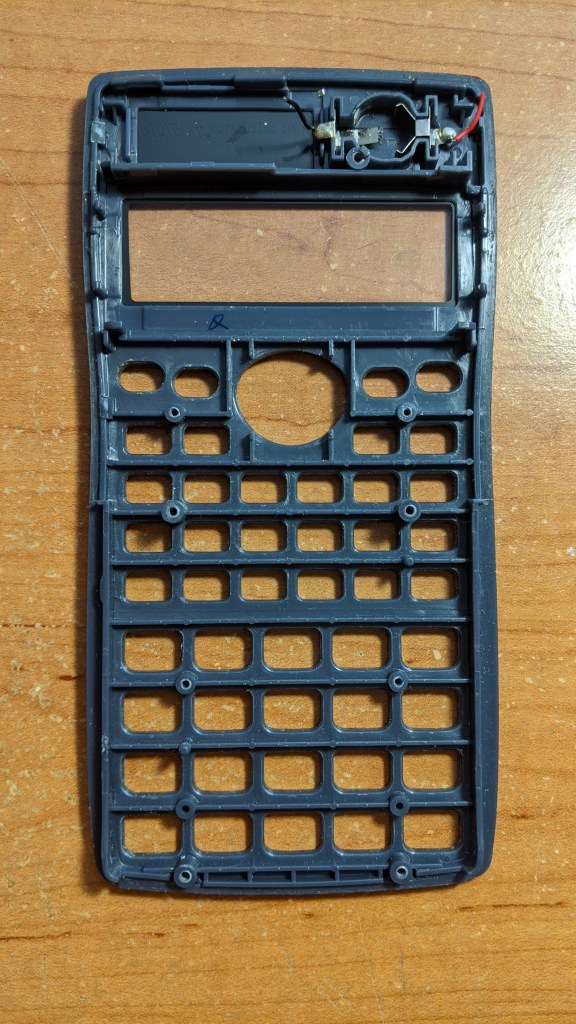
First, unscrew all five Phillips flathead screws on the rear. Remove the battery panel at the top. Now remove the back panel.
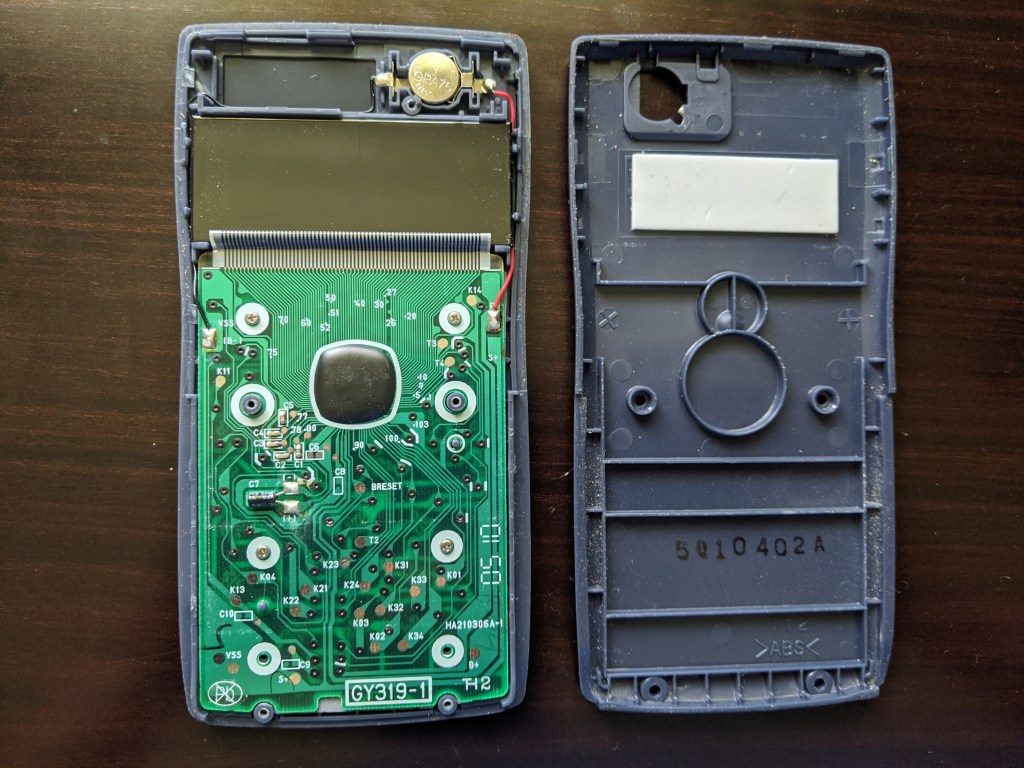
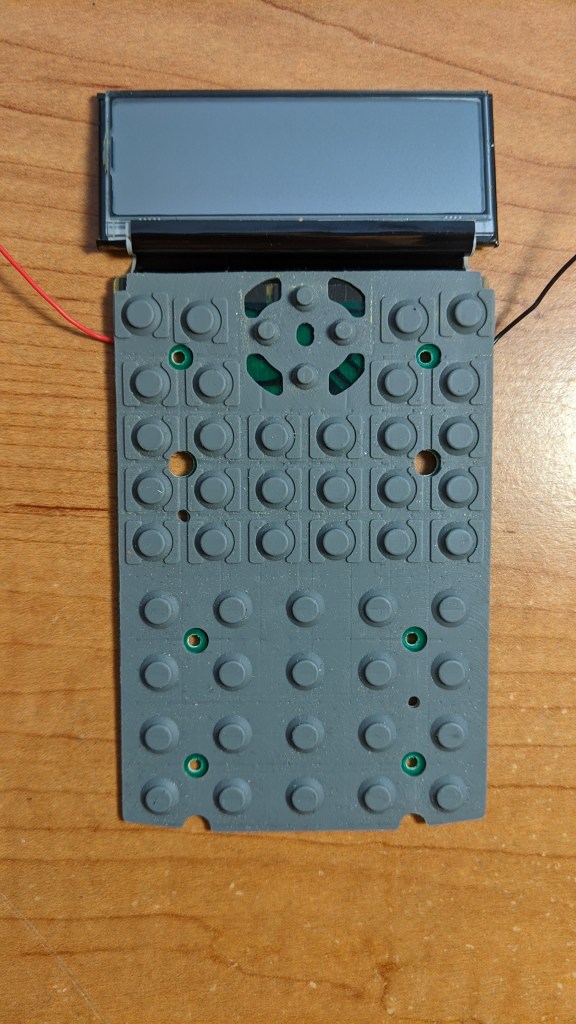
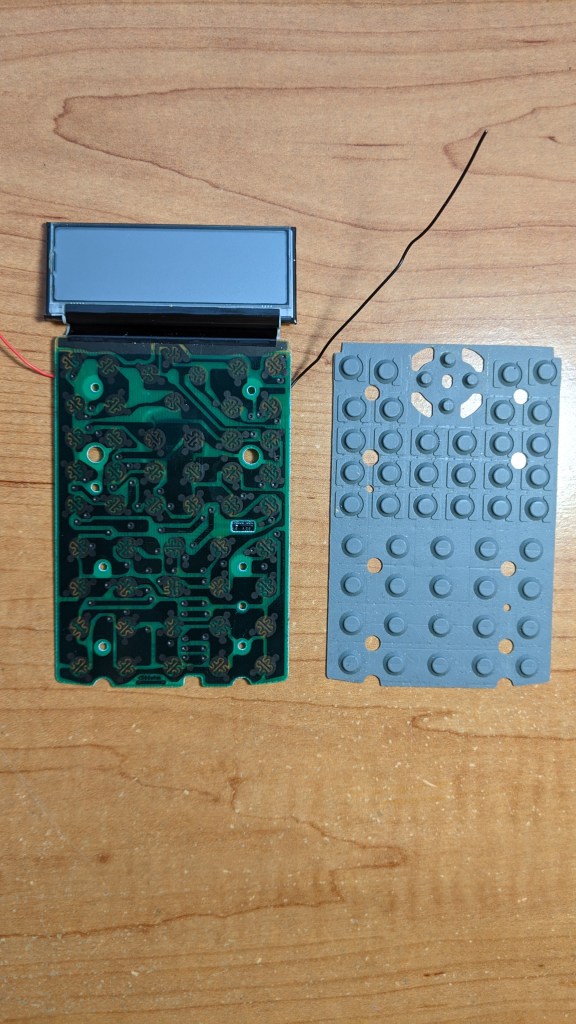
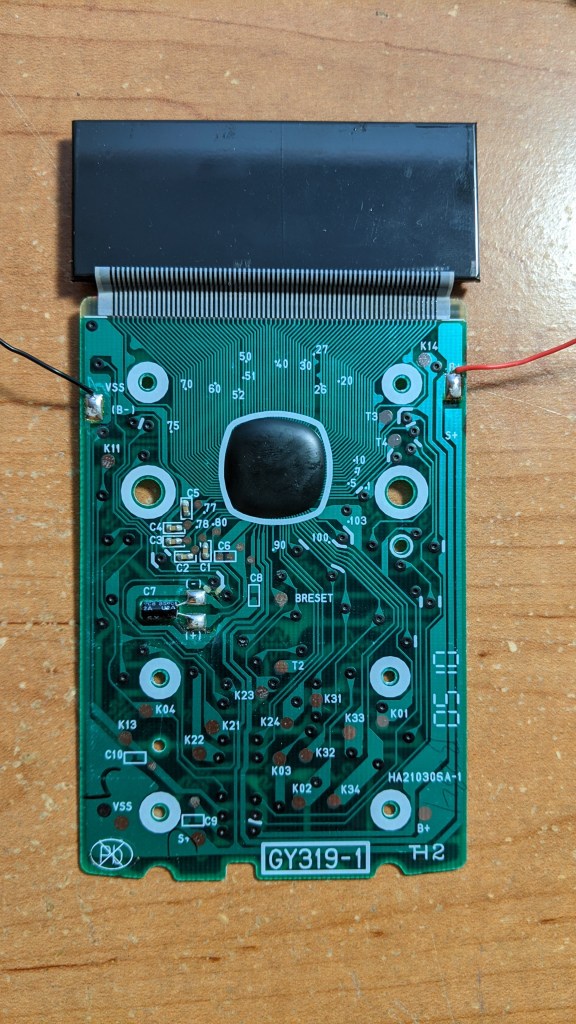
The battery supplies power to the printed circuit board. A black and red wire route the power around the display onto the board. Unscrew all four screws on the board using a small slotted screwdriver.
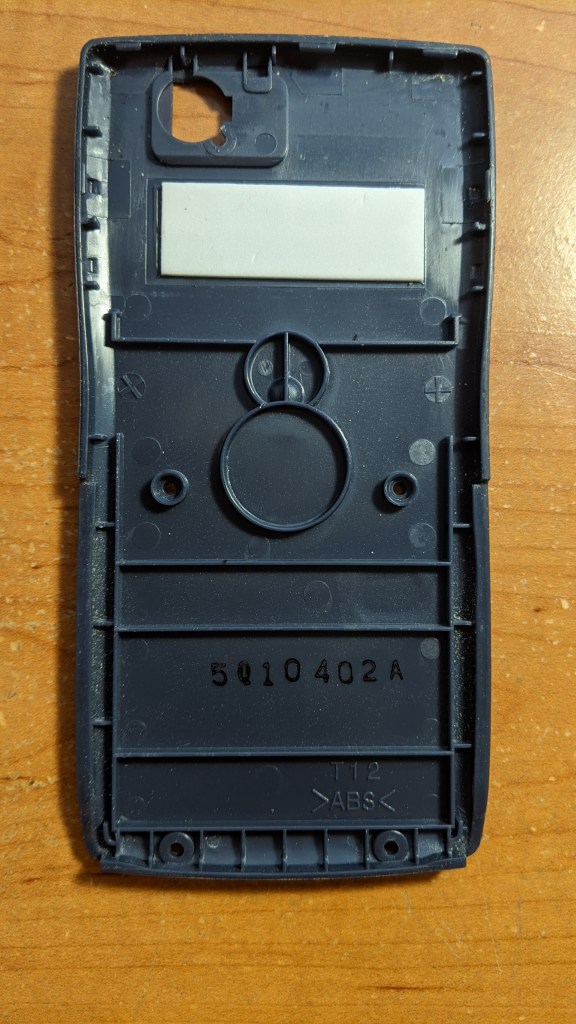
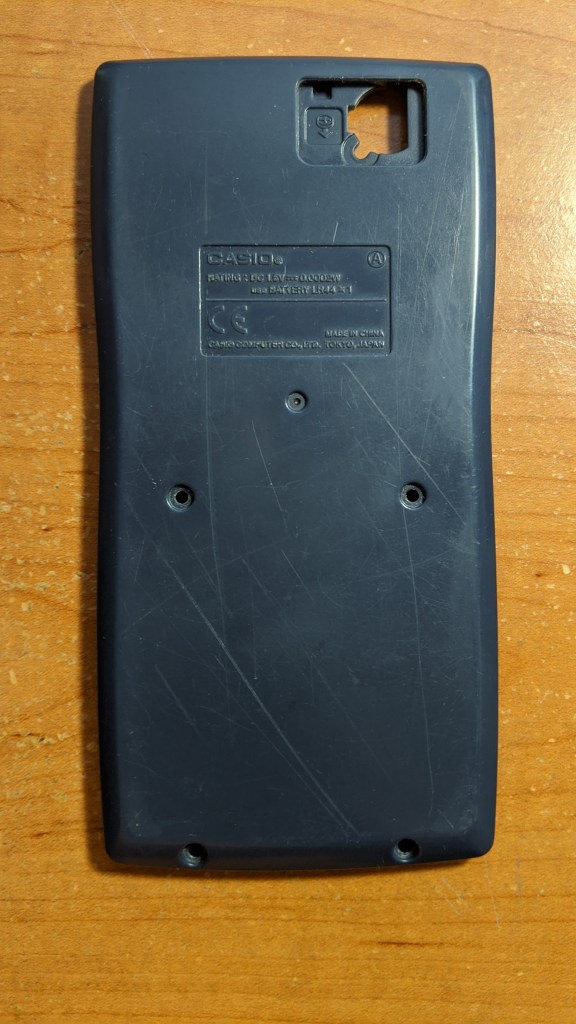
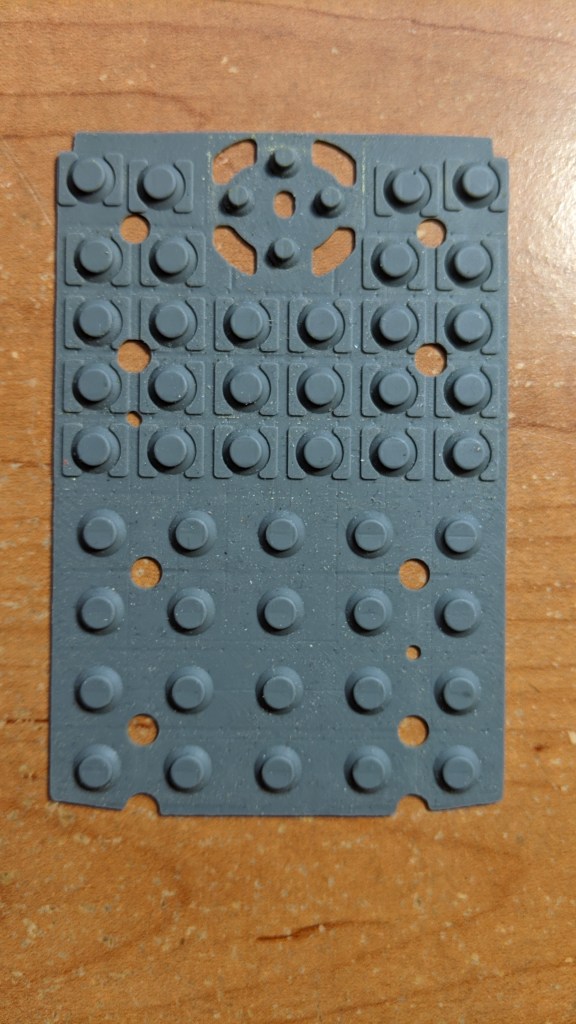
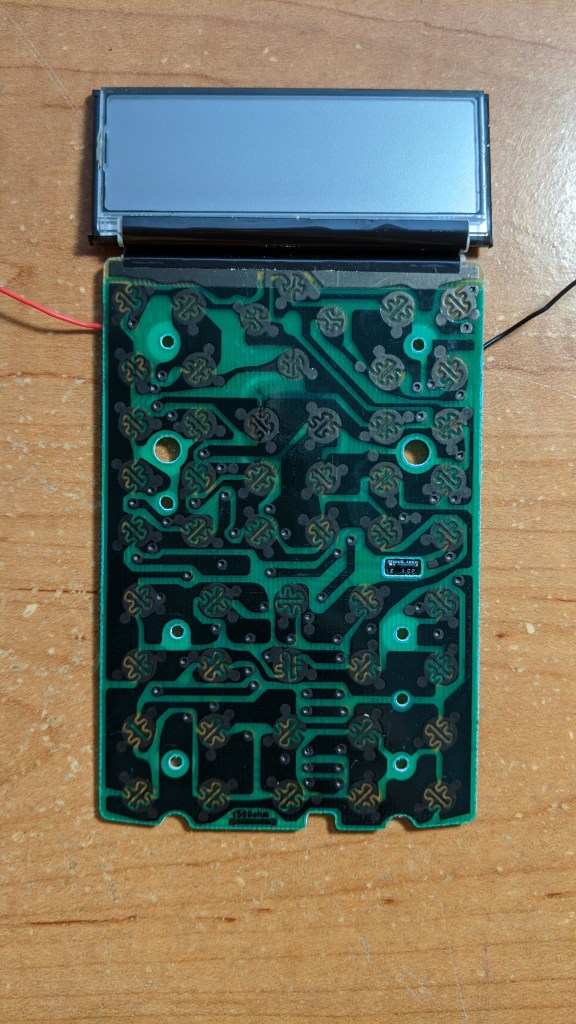
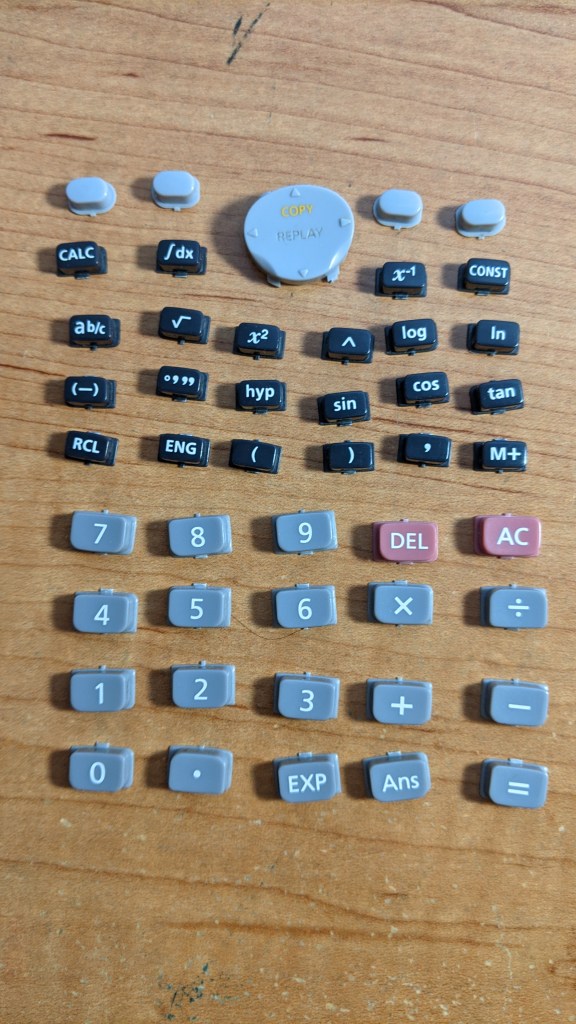
Remove the battery. Cut each wire near the battery holder. Now remove the board and display. Turn over the board to expose the touchpad button interface. Remove the touchpad.


 Akshay Rao